
Coordinate endpoint software rollout with deployment evidence, version context, and tenant-safe control.
XDRShield Software Deployment helps operations teams manage deployment packages, installer availability, rollout readiness, endpoint targeting, and evidence needed to confirm software delivery across security and customer environments.
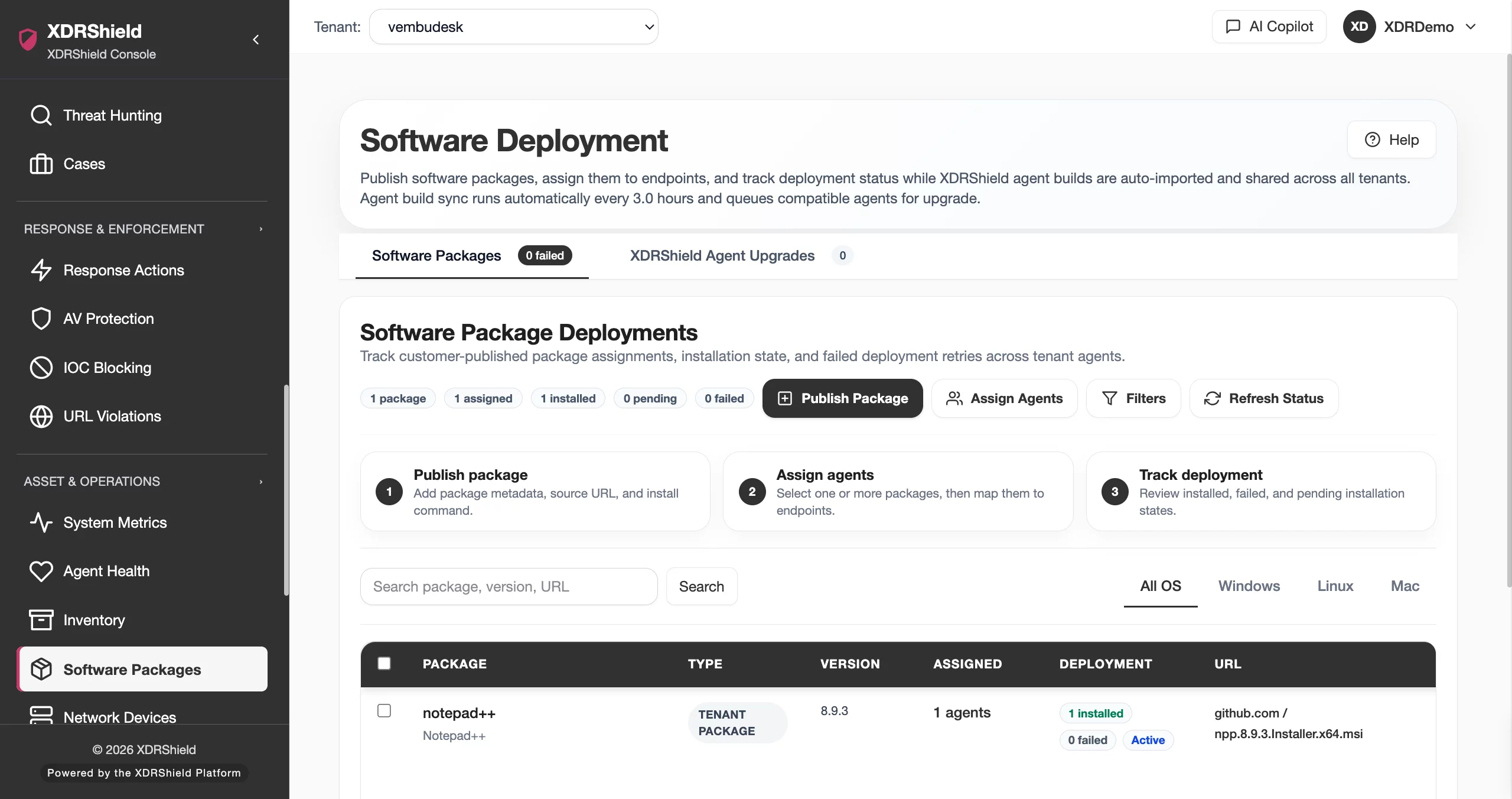
Software rollout affects endpoint coverage, detection readiness, and service consistency.
Security operations depend on endpoint components being available, current, and deployed to the right systems. Software Deployment gives administrators a governed place to prepare rollout artifacts, review deployment state, and confirm that software operations are scoped and auditable.
Manage deployment as an operational workflow, not a one-time download.
Software Deployment connects installer/package preparation, endpoint targeting, deployment status, version review, and follow-up validation. Teams can use it to plan controlled rollouts, support upgrade windows, and confirm that deployed software is visible in related agent, package, and health views.
- Prepare or review deployment packages before endpoint rollout.
- Confirm tenant, platform, and endpoint scope before deployment or upgrade activity.
- Use agent health, installed packages, and operations health to validate rollout outcomes.
- Review audit evidence when deployment changes affect customers or coverage.
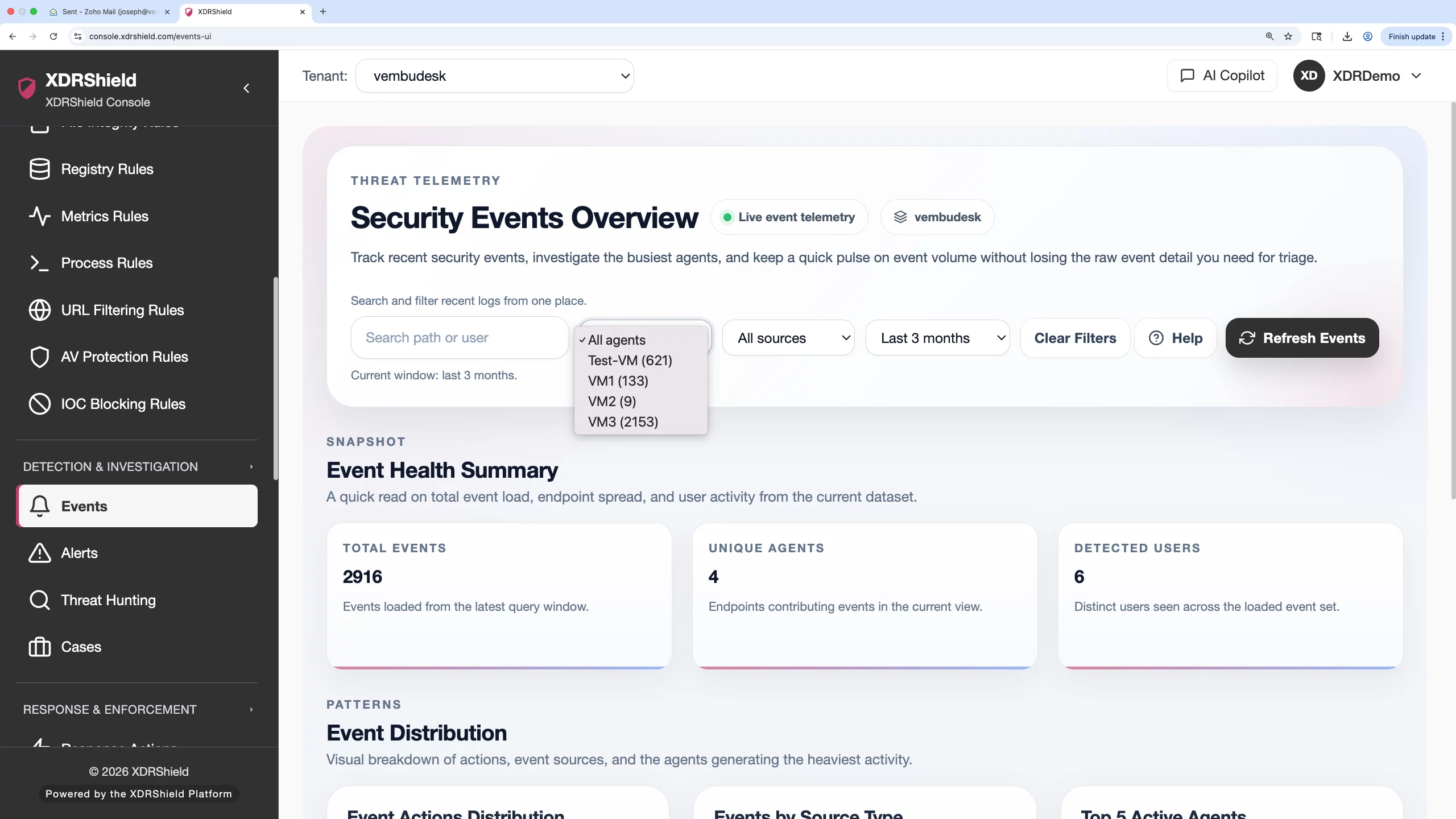
What XDRShield Software Deployment helps teams do.
Each capability supports the operating workflow for software deployment, from review and prioritization to action, governance, and follow-up.
Package preparation
Review deployment package details, installer context, and rollout readiness before broad use.
Endpoint targeting
Plan rollout scope by tenant, endpoint group, platform, and operational requirement.
Version and timing review
Use version context and maintenance windows to avoid uncontrolled upgrades.
Coverage validation
Confirm deployed components are reporting before relying on endpoint protection or detection evidence.
Deployment troubleshooting
Investigate missing or stale rollout evidence through agent health, installed packages, and operations health.
Change evidence
Use deployment activity context for audits, customer reviews, and internal handoff.
Inventory connection
Validate deployed software through installed package and version evidence where available.
Tenant-scoped rollout
Coordinate customer-specific software deployment without mixing tenant operations.
From deployment package to verified endpoint state.
A disciplined deployment workflow helps teams avoid broad changes without evidence.
Confirm objective
Define whether the task is new rollout, upgrade, recovery, or package review.
Select tenant and platform scope
Limit work to the right customer, workspace, operating system, and endpoint set.
Review package/version context
Check deployment artifact, version, compatibility, and intended use.
Roll out in controlled scope
Deploy or prepare rollout in a measured endpoint group before wider expansion.
Validate endpoint evidence
Use agent health, installed packages, and operations health to confirm results.
Document outcome
Preserve deployment context for audit, customer review, or engineering follow-up.
Where Software Deployment helps most.
Use Software Deployment when rollout decisions affect endpoint visibility, upgrade control, or customer service readiness.
New environment onboarding
Prepare endpoint software and agent deployment during customer or tenant onboarding.
Upgrade windows
Coordinate version updates without losing operational visibility.
Coverage expansion
Roll out endpoint components to newly added systems or groups.
Deployment recovery
Troubleshoot endpoints missing expected software or reporting stale state.
Audit and handoff
Record package and deployment context for operational review.
MSP rollout governance
Apply customer-specific deployment plans while keeping tenant boundaries clear.
Separate package readiness from endpoint validation.
This table helps teams decide what to check at each rollout stage.
| Area | What it means | How teams use it |
|---|---|---|
| Package ready | Deployment artifact or installer context is prepared for use. | Review version, platform, and intended scope before rollout. |
| Assigned or targeted | A deployment plan or endpoint scope has been selected. | Validate tenant and endpoint selection before broad action. |
| Reported installed | Endpoint evidence indicates expected software is present where available. | Cross-check installed packages and agent health. |
| Stale or uncertain | Deployment or endpoint evidence is incomplete or outdated. | Use operations health, agent health, and audit logs before assuming success. |
Software Deployment for security, IT, and MSP teams.
Software Deployment supports day-to-day operations while keeping endpoint, tenant, and evidence scope clear.
For security and IT teams
Use this feature to make endpoint, risk, deployment, and tenant decisions from current operational evidence.
- Validate scope before broad changes.
- Review endpoint or tenant context before acting.
- Use alerts, events, cases, and activity logs for follow-up evidence.
For MSP and service-provider teams
Use tenant-aware workflows so customer environments remain separated while repeatable operations stay consistent.
- Confirm tenant/customer scope before bulk action.
- Standardize review patterns without mixing customer evidence.
- Preserve accountability for customer-facing service reviews.
Software Deployment FAQs.
What is Software Deployment in XDRShield?
Software Deployment supports controlled review and rollout of endpoint software or deployment packages, with context for version, scope, readiness, and follow-up validation.
How should teams validate deployment success?
Teams should confirm endpoint scope, agent health, installed package evidence, operations health, and audit activity before treating rollout as complete.
Does Software Deployment replace Agent Management?
No. Software Deployment focuses on package and rollout workflow. Agent Management focuses on enrolled endpoint lifecycle, status, and policy assignment.
How does this help MSPs?
MSPs can coordinate customer-specific rollout and upgrade workflows while keeping tenant scope and evidence separated.
What should be checked before broad rollout?
Confirm tenant, platform, endpoint group, version, package readiness, maintenance window, and rollback or support path before expanding rollout.
Coordinate rollout from package review to endpoint validation.
Use XDRShield Software Deployment to plan controlled endpoint software rollout, validate deployment state, and preserve tenant-aware operational evidence.












