
Review endpoint software inventory, package versions, and exposure context across managed systems.
XDRShield Installed Packages gives teams searchable software inventory evidence so they can understand what is installed, which versions are present, where package drift exists, and how software context supports vulnerability review and endpoint operations.
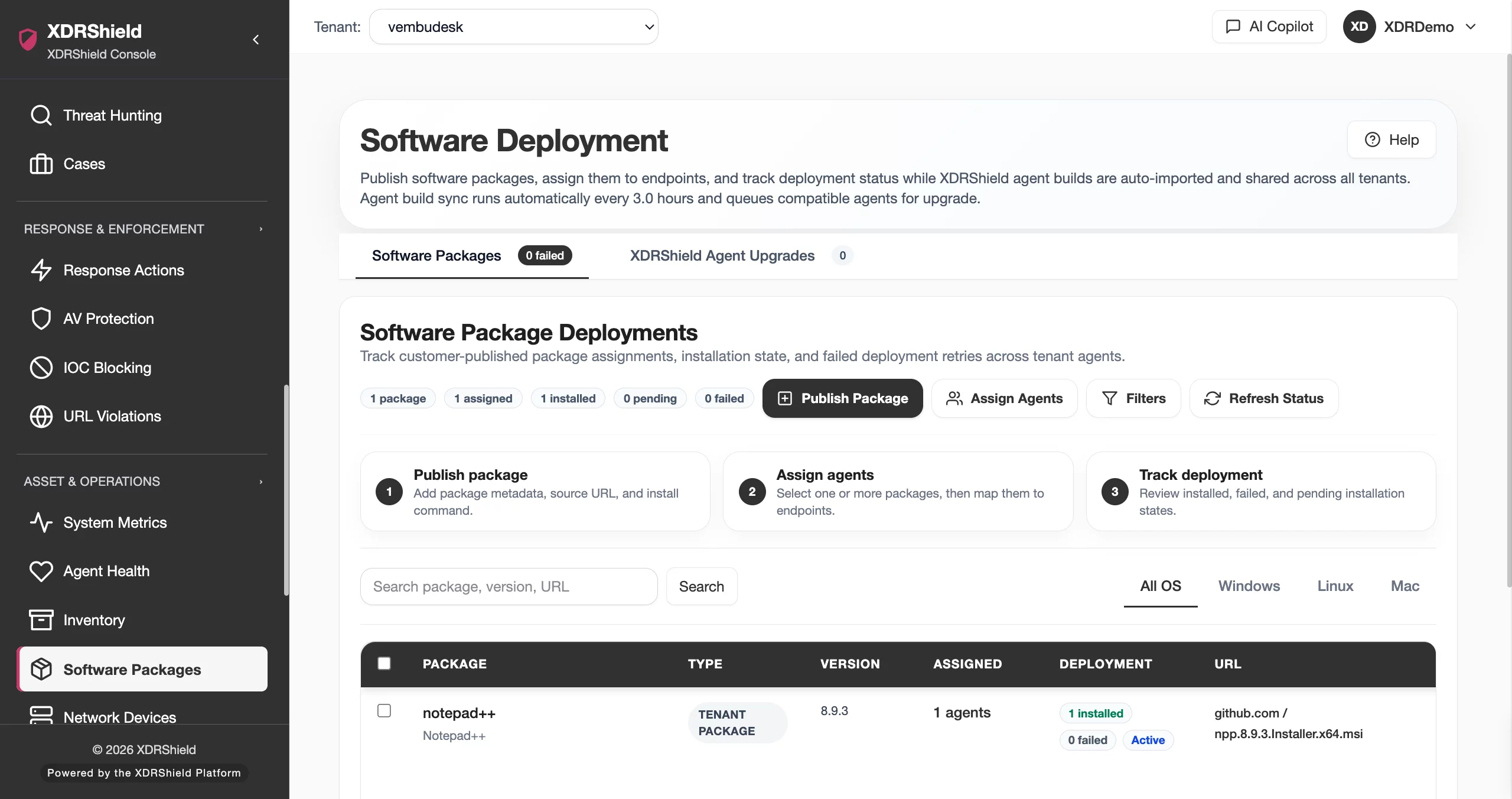
Software inventory turns endpoint evidence into practical risk and operations context.
Without package visibility, teams struggle to confirm exposure, troubleshoot rollout drift, or understand which endpoints may need upgrade or remediation. Installed Packages gives analysts and administrators a structured view of software evidence by endpoint and tenant scope.
Use package evidence to connect inventory, risk, and endpoint operations.
Installed Packages organizes software names, versions, publishers or package metadata where available, endpoint associations, and freshness context. Teams use it to search software presence, compare endpoint groups, support vulnerability decisions, and validate rollout or remediation outcomes.
- Search installed software by package, endpoint, tenant, version, or publisher context where available.
- Review version distribution to identify outdated or inconsistent software.
- Use freshness and agent health context before relying on package inventory as current.
- Connect installed package evidence to vulnerabilities, software deployment, cases, and customer reviews.
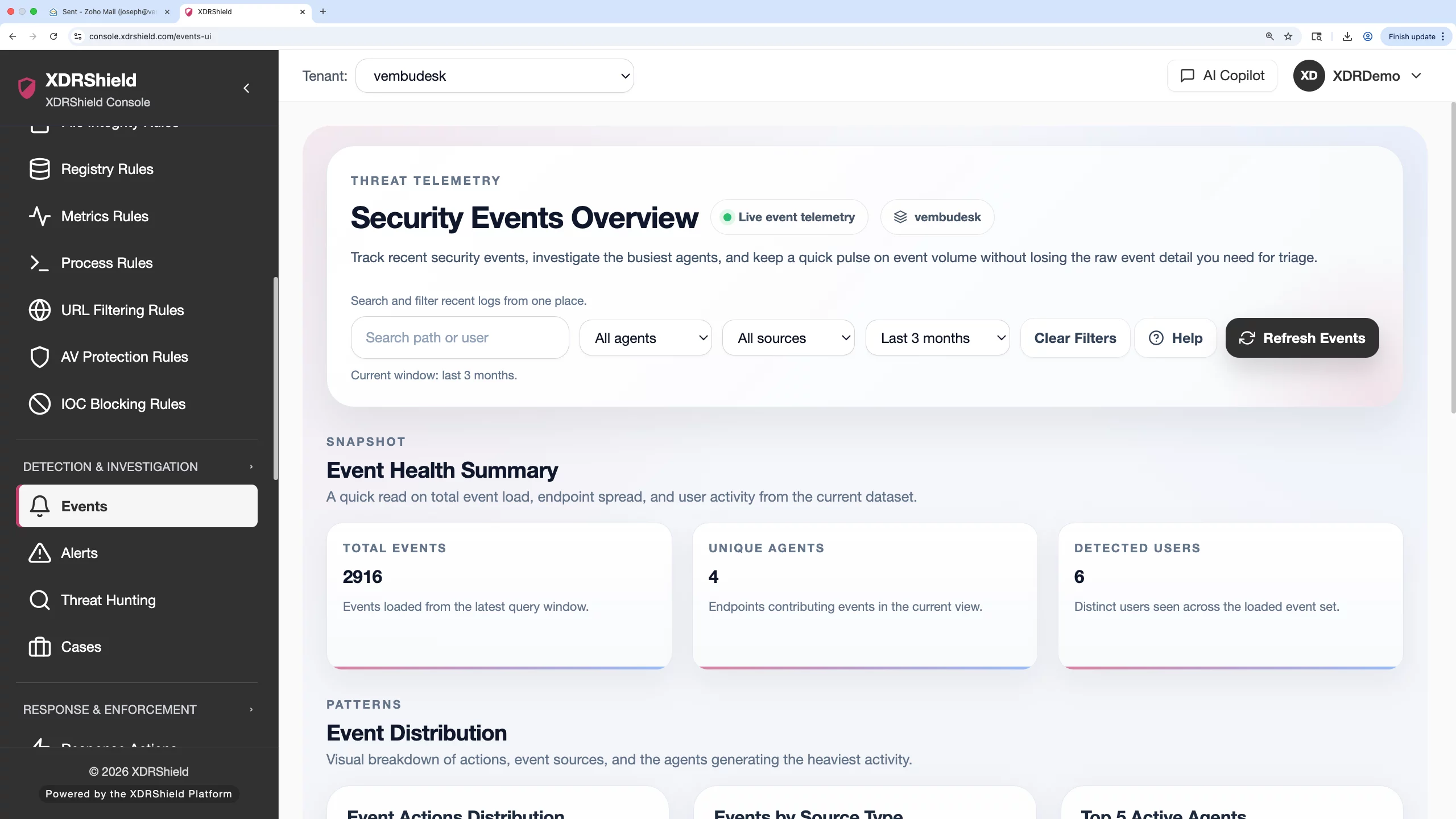
What XDRShield Installed Packages helps teams do.
Each capability supports the operating workflow for installed packages, from review and prioritization to action, governance, and follow-up.
Package inventory list
Review installed software evidence with package, version, endpoint, and tenant context.
Software and version search
Find affected systems by package name, version, publisher, endpoint, or customer scope.
Freshness validation
Check last-report context before using package inventory for risk or remediation decisions.
Exposure prioritization
Use package evidence to understand which endpoints may be affected by vulnerability findings.
Rollout validation
Confirm expected software or versions after deployment and upgrade activity.
Endpoint context
Connect package evidence to agent, host, platform, and operational state.
Investigation support
Use installed software context while scoping alerts, hunts, or cases.
Tenant-scoped inventory
Review customer software inventory without mixing tenant data.
From package search to operational decision.
A repeatable software inventory workflow keeps package evidence useful and current.
Select scope
Choose tenant, endpoint group, platform, or customer before reviewing package records.
Search package evidence
Find relevant software by name, version, endpoint, publisher, or inventory context.
Validate freshness
Confirm the endpoint has reported recently enough for the inventory to be trusted.
Compare version spread
Identify outdated, inconsistent, missing, or unexpected package versions.
Connect to risk or rollout
Use vulnerabilities or deployment records to decide remediation or upgrade action.
Document outcome
Preserve package evidence for cases, customer reviews, or audit follow-up.
Where Installed Packages helps most.
Use Installed Packages when software evidence affects exposure review, deployment validation, or operational inventory.
Software exposure scoping
Find endpoints with a specific package or version.
Vulnerability support
Use package inventory to understand likely affected systems.
Upgrade validation
Confirm package changes after deployment or patching.
Inventory freshness review
Avoid stale package evidence by checking agent reporting state.
Asset and service review
Use inventory evidence for customer and operations reporting.
MSP customer inventory
Review customer-specific software lists with tenant separation.
Interpret package evidence before making remediation decisions.
This table helps separate inventory evidence from risk conclusions.
| Area | What it means | How teams use it |
|---|---|---|
| Package name | The software or package detected on an endpoint. | Use for search, grouping, and exposure scoping. |
| Version | The detected software version where available. | Use for drift review, upgrade planning, and vulnerability correlation. |
| Endpoint association | The host or agent where the package was observed. | Use to connect inventory to health, tenant, and investigation context. |
| Freshness | How current the inventory evidence is. | Validate before treating package data as current risk evidence. |
Installed Packages for security, IT, and MSP teams.
Installed Packages supports day-to-day operations while keeping endpoint, tenant, and evidence scope clear.
For security and IT teams
Use this feature to make endpoint, risk, deployment, and tenant decisions from current operational evidence.
- Validate scope before broad changes.
- Review endpoint or tenant context before acting.
- Use alerts, events, cases, and activity logs for follow-up evidence.
For MSP and service-provider teams
Use tenant-aware workflows so customer environments remain separated while repeatable operations stay consistent.
- Confirm tenant/customer scope before bulk action.
- Standardize review patterns without mixing customer evidence.
- Preserve accountability for customer-facing service reviews.
Installed Packages FAQs.
What is Installed Packages in XDRShield?
Installed Packages provides endpoint software inventory evidence such as package names, versions, endpoints, and tenant scope where supported telemetry is available.
How does Installed Packages support vulnerability management?
Package names and versions help teams understand which endpoints may be affected by vulnerability findings and where remediation should be prioritized.
How should stale package data be handled?
Check agent health and last-report context before using package inventory for remediation, audit, or customer reporting.
Can Installed Packages validate software deployment?
Yes. Teams can compare expected software and versions against reported endpoint package evidence after rollout or upgrade activity.
How does this support MSPs?
MSPs can review customer-specific package inventory while keeping tenant data and service evidence separated.
Use package evidence to support risk, rollout, and customer operations.
Use XDRShield Installed Packages to search endpoint software inventory, validate versions, and connect package evidence to vulnerabilities, deployment, and investigations.












