
Prioritize detections, validate affected hosts, and move alert evidence into investigation.
XDRShield Security Alerts helps analysts review detections, filter by severity and status, search for affected endpoints or alert titles, acknowledge or resolve items with context, and connect important findings to events, hunts, cases, and response workflows.
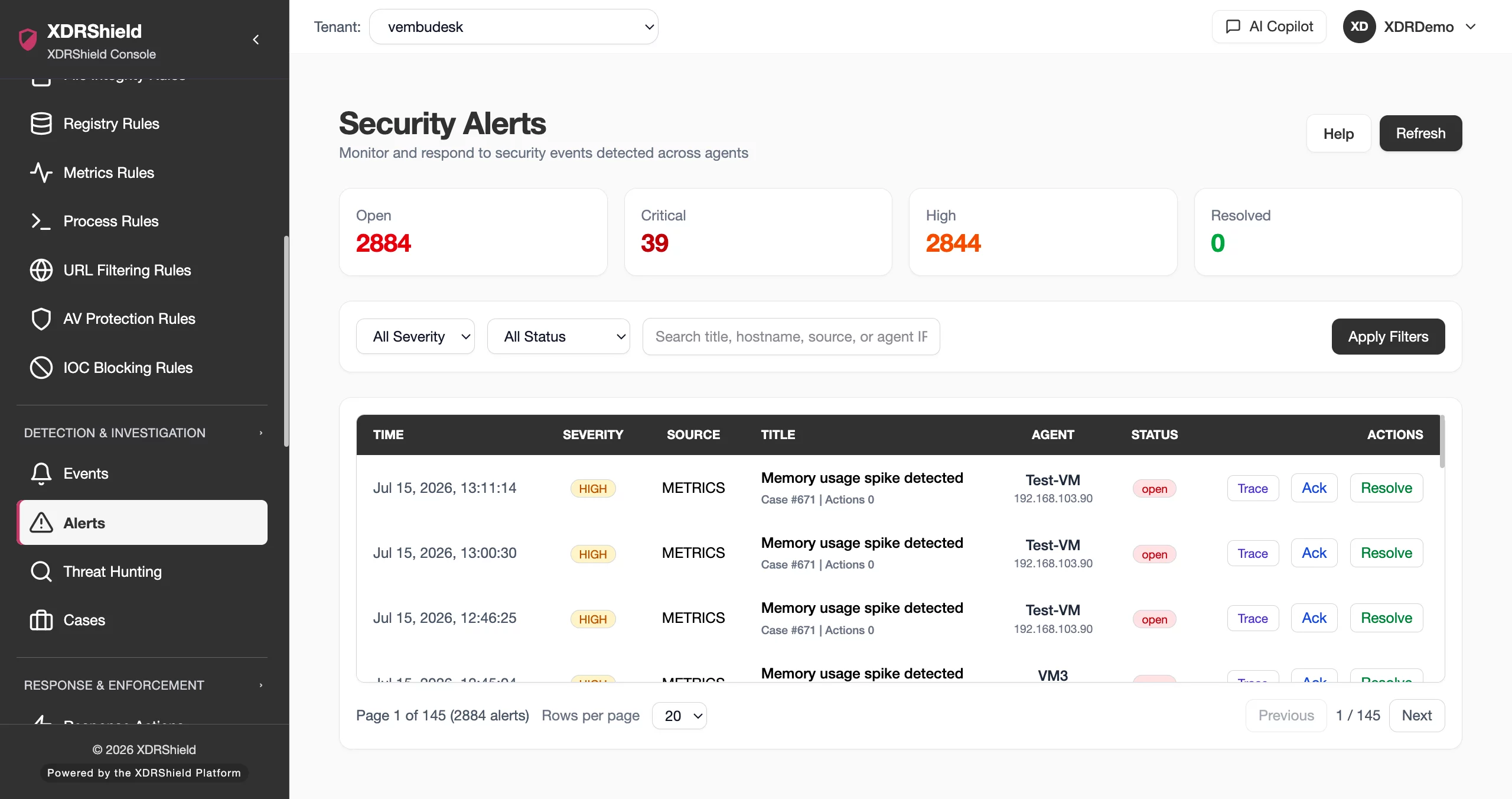
Alert queues only help when they drive clear triage decisions.
Security teams need to know which alerts are active, which hosts are affected, what evidence supports the detection, and whether the item has been acknowledged, resolved, escalated, or connected to deeper investigation. Security Alerts keeps that triage workflow focused and repeatable.
Review, filter, acknowledge, and resolve alerts with supporting context.
Security Alerts is the operating queue for detections. Analysts can filter by severity and status, search for affected hosts or alert titles, open high-severity items first, and decide whether an alert should be acknowledged, resolved, investigated further, or handed into response workflows.
- Filter by severity, status, tenant scope, host, and title before taking action.
- Open critical and high alerts first unless incident context changes priority.
- Cross-check alerts with Security Events and Response Actions when validation is needed.
- Resolve or acknowledge with context so operational history remains useful.
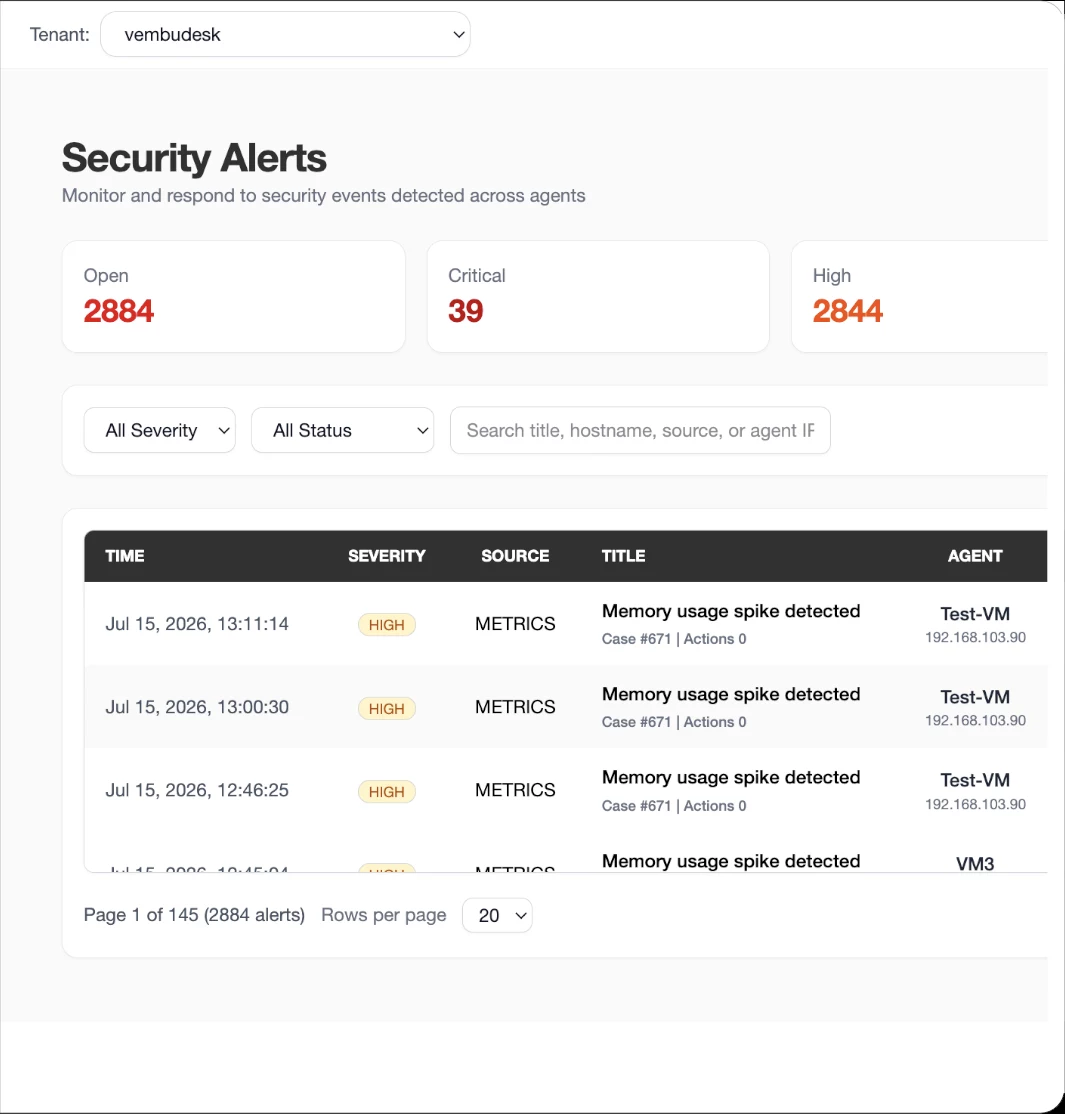
What XDRShield Security Alerts helps teams do.
Each capability supports alert triage from first review through validation, escalation, response handoff, and resolution.
Severity-first triage
Prioritize critical and high alerts while preserving filters for status, tenant, host, and operating scope.
Host and title search
Find alerts affecting a specific hostname, endpoint, user, or detection title without scanning the full queue.
Evidence validation
Cross-check important alerts with related events, endpoint signals, IOC matches, and response records.
Acknowledgement workflow
Mark reviewed alerts with context so analysts can show what was checked and why action was or was not required.
Resolution tracking
Resolve items after validation, containment, or accepted disposition while keeping evidence connected to the alert record.
Case and timeline handoff
Move significant alerts into hunts, cases, timelines, and response handoff without losing affected endpoint context.
Rule and policy tuning feedback
Use recurring alert patterns to tune detection rules and policy assignments where appropriate.
Tenant-scoped alert operations
Keep MSP alert queues separated by customer while still supporting central analyst workflows.
From alert queue to investigation decision.
A clear alert workflow helps analysts move quickly without skipping evidence validation or resolution context.
Set operational scope
Choose tenant, platform, status, and severity filters before reviewing a large alert queue.
Prioritize by severity
Open critical and high alerts first unless a known incident changes the triage order.
Search affected systems
Use host, title, or indicator search to find related alerts and reduce duplicate review.
Validate with evidence
Cross-check security events, endpoint context, hunts, or response records before deciding on outcome.
Escalate or resolve
Create or update a case for important findings, request governed response where supported, or resolve accepted items.
Record context
Acknowledge, resolve, or update status with enough notes and evidence to support audit and handoff.
Where Security Alerts helps most.
Use Security Alerts when detection queues need repeatable prioritization, analyst handoff, and evidence-backed decisions.
Daily SOC triage
Work alert queues by severity and status, then validate whether each item is active, acknowledged, resolved, or escalated.
Incident scoping
Search for an affected host or detection title to identify related alerts during an investigation window.
False-positive reduction
Compare alert details with events and endpoint context before tuning rules or closing items.
Audit-ready closure
Preserve review context when acknowledging or resolving alerts so future teams understand the decision.
Response coordination
Hand validated alerts to governed response actions with evidence and affected endpoint context.
MSP customer operations
Separate alert triage by tenant while maintaining consistent analyst workflow across customers.
Use severity, status, and evidence context together.
This table helps analysts decide how to work alert states without treating every queue item the same way.
| Area | What it means | How teams use it |
|---|---|---|
| Critical / High | Potentially high-impact detections or urgent endpoint activity. | Open first, validate evidence, connect related events, and escalate to case or response when confirmed. |
| Medium / Low | Items that need review but may not require immediate action. | Filter, batch, and validate against events or endpoint context before acknowledgement or closure. |
| Active / Open | Alerts that have not been dispositioned or are still under review. | Assign, investigate, correlate, and update status as evidence becomes clear. |
| Acknowledged / Resolved | Alerts reviewed by an analyst or closed after validation, accepted risk, or remediation. | Keep context attached so audit, handoff, and future tuning remain reliable. |
Alert triage for SOC and MSP teams.
The same alert evidence supports analyst prioritization, incident review, rule tuning, and customer-separated service delivery.
For SOC and investigation teams
Use Security Alerts to prioritize detections, validate affected systems, and move confirmed findings into hunts, cases, timelines, or governed response.
- Start with critical/high severity unless incident context says otherwise.
- Cross-check related events before closing or tuning.
- Escalate with evidence and affected endpoint context.
For MSP and service-provider teams
Use tenant-scoped alert queues to operate consistently across customers while preserving customer boundaries and review history.
- Scope alerts by tenant and customer ownership.
- Use repeatable filters to keep queues manageable.
- Maintain acknowledgement and resolution context for service reporting.
Security Alerts FAQs.
What is Security Alerts in XDRShield?
Security Alerts is the detection review queue where analysts filter, search, prioritize, acknowledge, resolve, and escalate alerts with supporting endpoint and event context.
How should teams prioritize alerts?
Teams should normally start with critical and high severity alerts, then use status, tenant, host, title, and time filters to narrow the queue. Active incident context can override normal order.
How do alerts connect to Security Events?
Security Events provide supporting evidence for alert validation. Analysts can cross-check related endpoint activity, policy context, IOC matches, and event details before deciding whether to acknowledge, resolve, or escalate.
Can alerts be used in cases and response workflows?
Yes. Confirmed or important alerts can be connected to threat hunting, case timelines, and governed response workflows so response actions are backed by evidence.
How does Security Alerts support MSP operations?
MSP teams can review alerts within tenant-scoped queues, keep customer evidence separated, and preserve acknowledgement or resolution context for each customer environment.
Prioritize detections and preserve the evidence behind every outcome.
Use XDRShield Security Alerts to filter alert queues, validate findings, connect evidence, and move confirmed detections into investigation or response workflows.












