
Block malicious web destinations and track every violation.
XDRShield URL Filtering rules define trusted domains, blocked domains, and category actions so security and IT teams can prevent access to phishing, malware, command-and-control, and policy-violating web destinations, and connect web filtering evidence to alerts, cases, and investigation workflows.
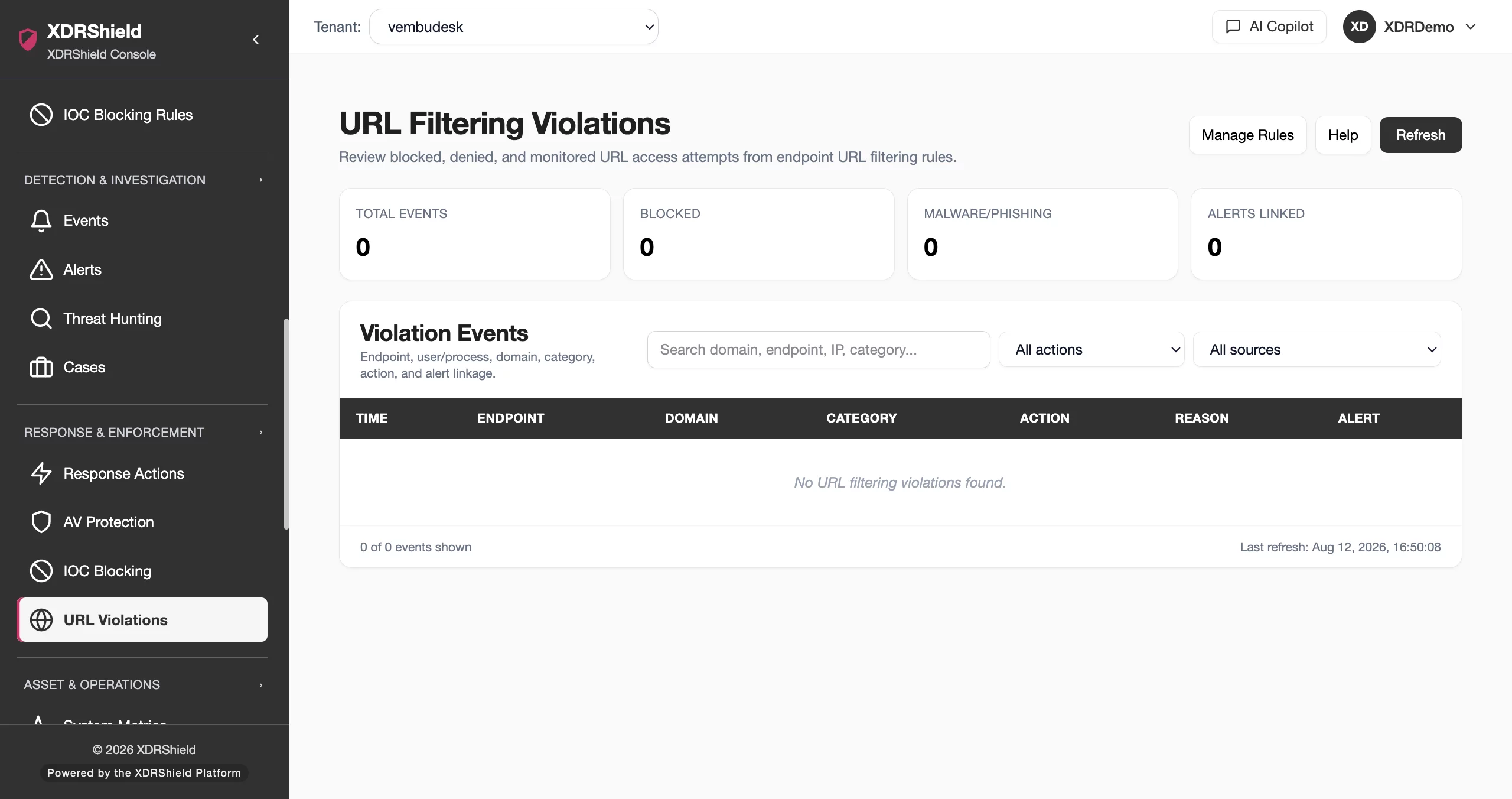
Web destinations are a primary vector for phishing, malware delivery, and command-and-control communication.
Endpoints with uncontrolled or under-monitored web access are exposed to credential theft, ransomware delivery, malicious downloads, and data exfiltration. URL filtering rules make web access decisions visible, enforceable, and connectable to investigation and response workflows.
Define what to block, attach rules to policies, and track violations with full context.
URL filtering rules are reusable monitoring definitions. Each rule specifies trusted domains, blocked domains, and category actions with an enforcement mode. Rules attach to endpoint policies for agent enforcement, and detected access attempts become violation events with endpoint identity, domain, category, timestamp, and policy context.
- Create reusable URL filtering rules with trusted domains, blocked domains, and category actions.
- Choose enforcement mode: hosts file, DNS proxy, local proxy, or browser extension.
- Attach rules to endpoint policies for agent-enforced web filtering across tenant-scoped endpoints.
- Review violation events with endpoint, domain, category, and policy context for investigation.
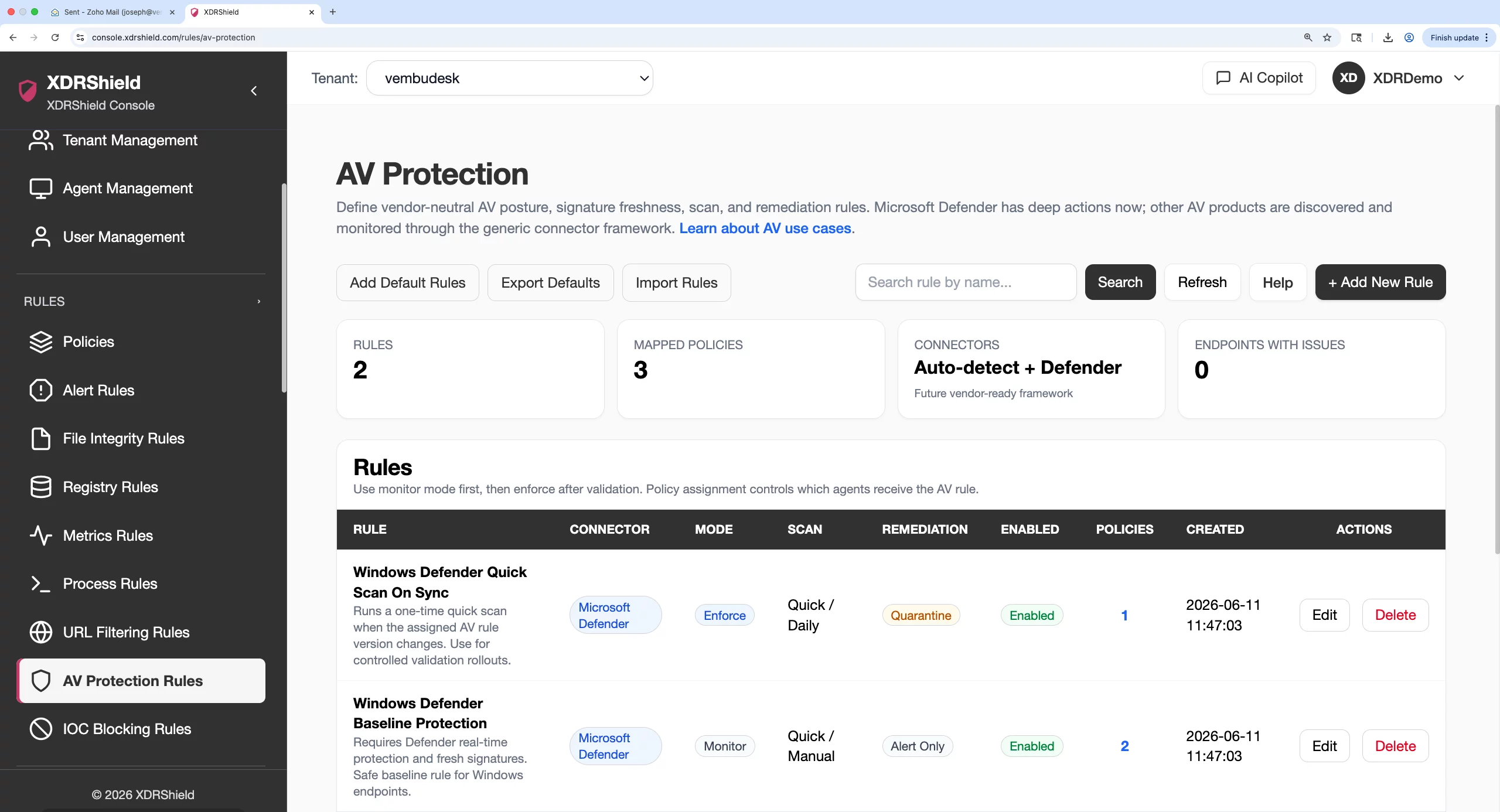
What XDRShield URL Filtering and Violation Monitoring helps teams do.
Each capability supports a part of the web filtering workflow, from rule creation and domain blocking to violation tracking, investigation linkage, and compliance evidence.
Rule creation and domain control
Create reusable URL filtering rules that specify trusted domains, blocked domains, and category actions to control which web destinations endpoints can reach.
Category-based enforcement
Assign allow, monitor, or deny actions to URL categories such as phishing, malware, gambling, adult content, and social networks for policy-driven web filtering.
Policy-based deployment
Attach URL filtering rules to endpoint policies for agent-enforced web filtering across tenant-scoped endpoints and operating systems.
Violation tracking and review
Review endpoint-reported blocked and monitored web access attempts with domain, category, timestamp, endpoint identity, and policy context.
Alert and event correlation
Connect URL violation events to security alerts, event triage, and case workflows so web filtering violations are not reviewed in isolation.
Investigation and case linkage
Move from a URL violation event into threat hunting, case ownership, timelines, and governed response with full evidence context.
Monitor-first rollout
Start with monitor mode to observe decisions and false positives before enabling deny actions, then transition to blocking after validation.
Compliance and audit evidence
Preserve violation records with endpoint, domain, category, timestamp, and policy context for compliance, acceptable-use audits, and investigations.
From rule creation to violation review and investigation.
A strong URL filtering workflow keeps rule design, category intelligence, policy assignment, violation review, and investigation connected so web access decisions are enforced, tracked, and acted on consistently.
Review existing rules
Check current URL filtering rules before creating new ones to avoid duplicates and keep scope clear.
Prepare category intelligence
Review URL category domains, add tenant-specific domains, or import feeds before enforcement.
Choose enforcement mode
Select hosts file, DNS proxy, local proxy, or browser extension based on blocking and event visibility needs.
Start in monitor mode
Observe category decisions and false positives before enabling deny actions in production.
Assign through policies
Attach stable URL filtering rules to endpoint policies for agent-enforced web filtering across tenants.
Review violations and block
Review violation events, validate decisions, then enable blocking with confidence after testing.
Where URL Filtering and Violation Monitoring helps most.
Use URL filtering where uncontrolled web access can create security, compliance, or operational risk.
Phishing prevention
Deny known phishing, newly registered, and suspicious domains before users submit credentials or download malicious attachments.
Malware and C2 blocking
Block malware delivery, command-and-control communication, and risky download categories before endpoints reach malicious destinations.
Acceptable-use policy enforcement
Monitor or deny categories such as gambling, adult content, games, streaming media, and social networks to enforce acceptable-use policies.
Trusted business exceptions
Allow approved business domains while still blocking broader risky categories so legitimate services remain accessible without weakening policy.
MSP and multi-tenant governance
Standardize web filtering policies across customers while keeping tenant-specific rules, violation review queues, and audit trails separate.
Compliance web filtering
Map URL filtering rules to compliance controls, preserve violation records with full context, and support acceptable-use audits and investigations.
Choose the right enforcement mode for blocking and violation visibility.
Each enforcement mode offers a different balance of blocking simplicity and access-attempt event visibility. Select the mode that matches the operational need.
For SOC and investigation teams
Use URL violation events to detect suspicious web access, correlate with alerts and process activity, and escalate policy violations into hunts, cases, and governed response.
- Connect URL violations to alerts, events, and case timelines.
- Review violations with endpoint, domain, category, and policy context.
- Escalate suspicious web access into investigation and response.
For MSP and IT operations teams
Standardize web filtering policies across managed environments while keeping tenant-specific rules, violation review queues, and audit trails separated by customer.
- Apply consistent URL filtering rules across customers and tenants.
- Keep tenant-specific violation review and audit history separate.
- Use policy assignment for controlled rollout and coverage.
URL Filtering and Violation Monitoring FAQs.
What is URL Filtering and Violation Monitoring in XDRShield?
URL filtering rules define which URL categories or specific URLs should be blocked or monitored on endpoints. Violation tracking captures attempts to access blocked URLs so teams can review policy violations, identify risks, and connect web filtering evidence to alerts and investigation workflows.
How do URL filtering rules connect to endpoint policies?
URL filtering rules are reusable monitoring definitions that attach to endpoint policies for agent-enforced web filtering. The agent on each endpoint enforces the configured URL categories and reports violations.
What types of URL violations can be tracked?
Teams can track attempts to access blocked URL categories including malicious sites, phishing domains, unwanted content categories, and policy-violating web destinations. Violations include endpoint identity, timestamp, URL, category, and policy context.
Can URL violations be connected to investigation workflows?
Yes. URL violation events can be correlated with security alerts, event triage, threat hunting, case timelines, and governed response so web filtering violations are not reviewed in isolation.
How does URL filtering support MSP operations?
MSP teams can standardize web filtering policies across customers while keeping tenant-specific rules, violation review queues, and audit trails separated by customer, tenant, and workspace scope.
Block malicious destinations, track violations, and connect web evidence to investigation.
Use XDRShield URL Filtering and Violation Monitoring to prevent access to malicious web destinations, enforce acceptable-use policy, track violations with full context, and connect web filtering evidence to alerts, cases, and governed response.












