
Monitor network infrastructure health without over-privileged access.
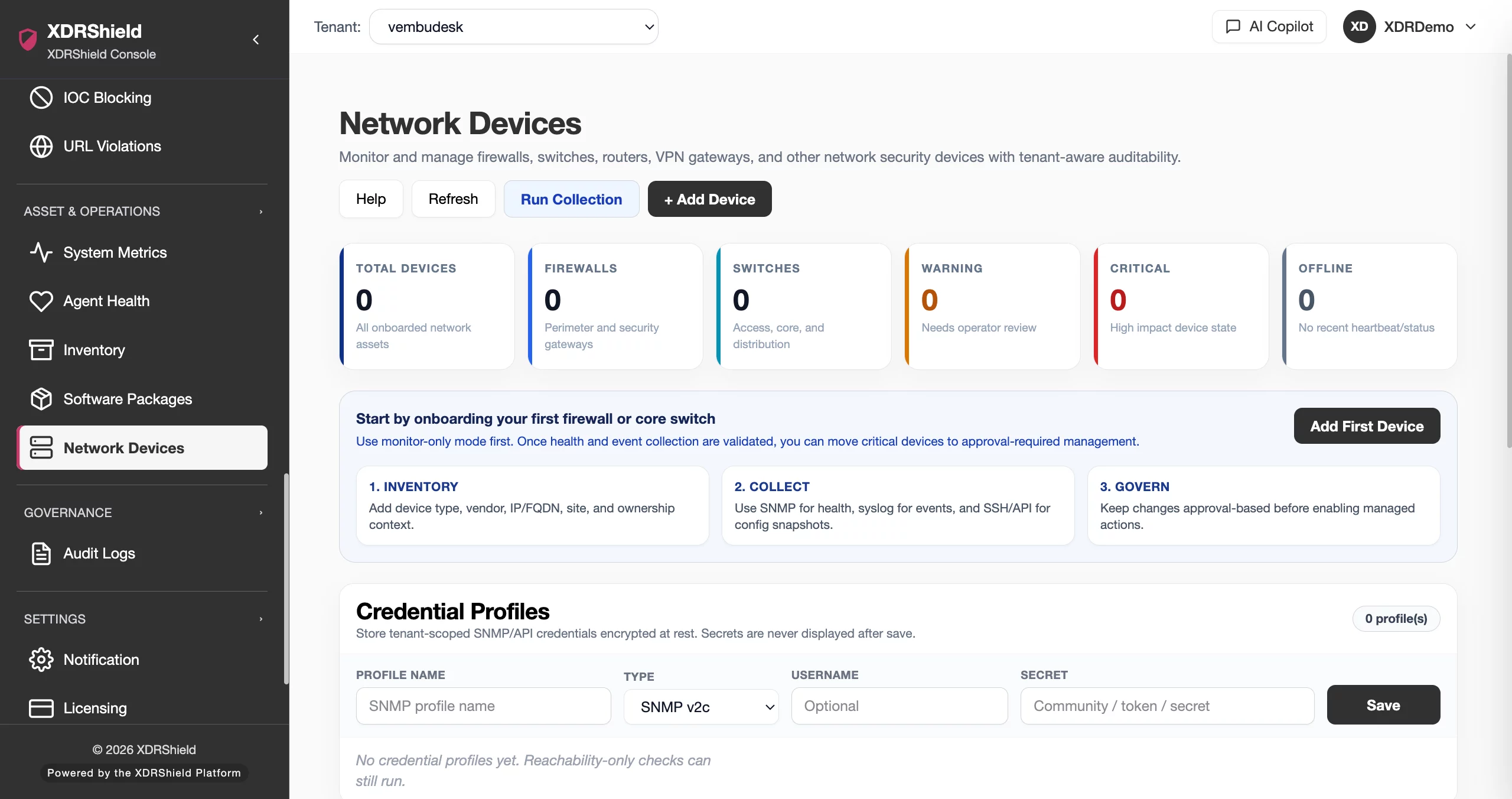
XDRShield Network Device Monitoring onboards switches, routers, firewalls, wireless controllers, load balancers, and printers with read-only SNMP v2c or reachability checks, assigns a collector that can route to each target, tracks availability and health transitions, and connects network health evidence to events, alerts, and investigation workflows.
Network infrastructure failures and outages are often detected late, reported inconsistently, and lack evidence for incident and compliance review.
Switches, routers, firewalls, and wireless controllers carry critical business traffic. When availability degrades, teams need immediate alerts, historical health context, and a clear connection to investigation workflows so network events are not reviewed in isolation.
Register the device, assign a collector, attach read-only credentials, and track health with context.
Each network device is an inventory record with type, vendor, model, site, and addressing context. A collector — either a Linux or Windows endpoint agent — polls the target using SNMP v2c with a read-only community string or performs a TCP reachability check. Results become health samples with response time, probe loss, and availability scoring across 24-hour, 7-day, and 30-day windows.
- Create licensed inventory records with device metadata, site, and ownership context.
- Attach read-only SNMP v2c credential profiles that are tenant-scoped and encrypted at rest.
- Assign a collector agent that can route to the target on the required protocol and port.
- Review availability, response time, and health transitions without false uptime from missing samples.
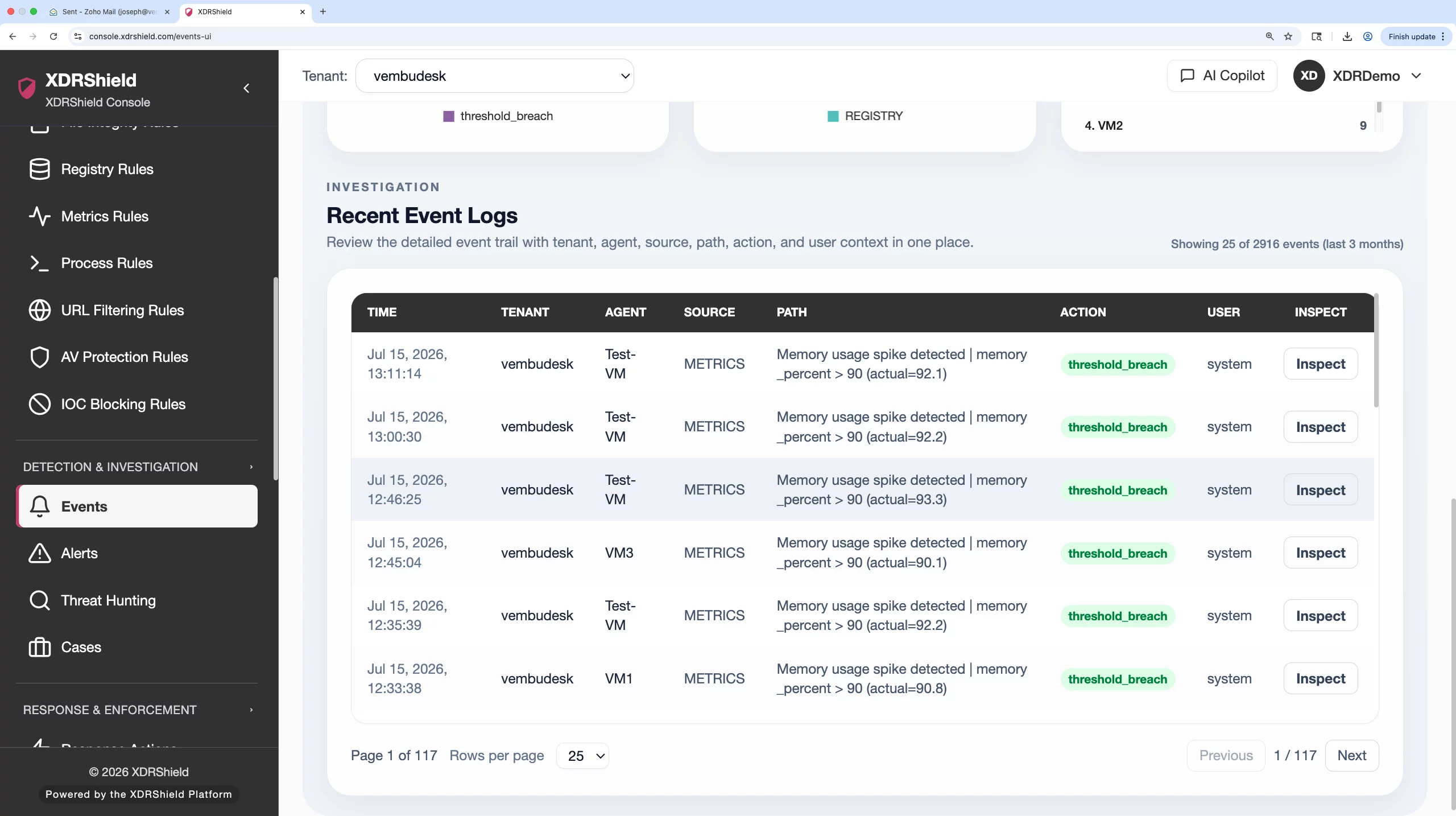
What XDRShield Network Device Monitoring helps teams do.
Each capability supports a part of the network monitoring workflow, from inventory registration and credential management to health tracking, alerting, and investigation linkage.
Network device inventory
Register switches, routers, firewalls, wireless controllers, load balancers, and printers with type, vendor, model, site, address, and ownership metadata.
Read-only credential profiles
Create tenant-scoped, encrypted SNMP v2c community strings with minimum-privilege access. Secrets are never returned to the browser after saving.
SNMP v2c and reachability polling
Poll devices using SNMP v2c for uptime, interface, CPU, and memory metrics, or use TCP reachability checks where SNMP is not available.
Health and availability tracking
Track healthy, warning, offline, unknown, and monitoring-stale states with response time, probe loss, and availability scoring across multiple ranges.
Health transition alerting
Generate alerts on degradation and recovery transitions instead of every poll cycle so teams respond to meaningful state changes without alert fatigue.
Switch port and interface visibility
Inspect IF-MIB port name, alias, administrative state, operational state, and reported speed for SNMP-monitored switches through Port View.
Historical health evidence
Retain polling history with 24-hour, 7-day, and 30-day ranges from stored collection evidence. Missing samples are never converted into false uptime.
Event correlation and case linkage
Connect network device events to security alerts, event triage, threat hunting, and case timelines so infrastructure changes are not reviewed in isolation.
From device preparation to health monitoring and investigation.
A strong network monitoring workflow keeps inventory registration, credential setup, collector assignment, validation, and ongoing health review connected so network devices are monitored consistently and safely.
Prepare the device
Enable only the required monitoring protocol on the target and restrict it to a trusted management path with the collector source IP.
Create a credential profile
Use a dedicated read-only SNMP v2c community string. Never reuse an administrator login or default community value.
Add the inventory record
Enter the target address, site, device type, vendor, model, and monitoring connector. Each record consumes one network-device license unit.
Assign the collector
Choose a Linux or Windows endpoint agent that can route to the target on the required protocol and port for polling.
Validate before expansion
Run collection, confirm fresh health data, review errors, and then onboard the next device group with confidence.
Monitor and respond
Review health transitions, investigate degradation alerts, and connect network evidence to cases and security workflows.
Where Network Device Monitoring helps most.
Use network device monitoring where infrastructure availability degradation creates operational, security, or compliance risk.
Switch and router availability
Monitor core switching and routing infrastructure with SNMP v2c polling for uptime, interface state, and resource utilization.
Firewall and gateway health
Track perimeter device availability and health transitions so security gateway failures are detected and alerted promptly.
Wireless controller monitoring
Poll wireless LAN controllers for availability and SNMP-exposed health metrics across distributed office and campus environments.
Load balancer reachability
Verify that critical load-balancing infrastructure remains reachable from assigned collectors and alert on degradation transitions.
MSP multi-tenant network oversight
Standardize monitoring policies across customer environments while keeping tenant-specific devices, credentials, and alert queues separate.
Compliance and audit evidence
Preserve polling history, health transitions, and device metadata for audits, incident reviews, and operational governance.
Each health state reflects what the collector confirmed — not assumptions.
XDRShield network device monitoring reports health based on actual collection results. Missing samples are never converted into false uptime, and stale results are clearly labeled so teams know when monitoring coverage itself needs attention.
What each state means
Coverage gaps and unknowns
Network monitoring for security, infrastructure, and MSP teams.
The same network health evidence supports different decisions. XDRShield keeps device context, credential security, and audit history usable without losing tenant scope or operational responsibility.
For SOC and investigation teams
Use network device health events to detect infrastructure degradation, correlate with security alerts and endpoint activity, and escalate suspicious patterns into hunts, cases, and governed response.
- Connect network health transitions to alerts, events, and case timelines.
- Review device context with collector, site, and ownership information.
- Escalate infrastructure degradation into investigation and response.
For MSP and IT operations teams
Standardize network monitoring policies across managed environments while keeping tenant-specific devices, credential profiles, and alert queues separated by customer.
- Apply consistent monitoring connectors across customers and tenants.
- Keep tenant-specific credential profiles and health history separate.
- Use licensed inventory for controlled coverage and billing accuracy.
Network Device Monitoring FAQs.
What is Network Device Monitoring in XDRShield?
Network Device Monitoring onboards network infrastructure devices such as switches, routers, firewalls, wireless controllers, load balancers, and printers with read-only SNMP v2c or TCP reachability checks, assigns a collector agent for polling, tracks availability and health transitions, and connects network health evidence to security events, alerts, and investigation workflows.
How does XDRShield monitor network devices?
Each device is registered as an inventory record with type, vendor, model, site, and addressing context. A Linux or Windows endpoint agent polls the target using SNMP v2c with a read-only community string or performs a TCP reachability check. Results become health samples with response time, probe loss, and availability scoring across 24-hour, 7-day, and 30-day windows.
Are network device credentials stored securely?
Yes. SNMP v2c credential profiles are tenant-scoped and encrypted at rest. Saved secrets are never returned to the browser after creation. Teams should use dedicated read-only community strings and avoid default values such as public. Secrets can be rotated by entering a new value during profile editing.
Can network device health events be connected to investigation workflows?
Yes. Network device health transitions can be correlated with security alerts, event triage, threat hunting, case timelines, and governed response so infrastructure degradation and outages are not reviewed in isolation.
Does XDRShield support multi-tenant network monitoring for MSPs?
Yes. MSP teams can standardize network monitoring policies across customers while keeping tenant-specific devices, credential profiles, health history, and alert queues separated by customer, tenant, and workspace scope. Each inventory record consumes one network-device license unit for billing accuracy.
Track network device health, alert on transitions, and connect evidence to investigation.
Use XDRShield Network Device Monitoring to onboard infrastructure with read-only credentials, poll availability and health, preserve evidence, and connect network events to alerts, cases, and governed response.












