
Monitor suspicious or business-critical process activity with reusable endpoint rules.
XDRShield Process Rules help teams define process monitoring logic for names, paths, command lines, users, parent-child relationships, or expected execution behavior, then distribute that logic through policies for investigation-ready endpoint visibility.
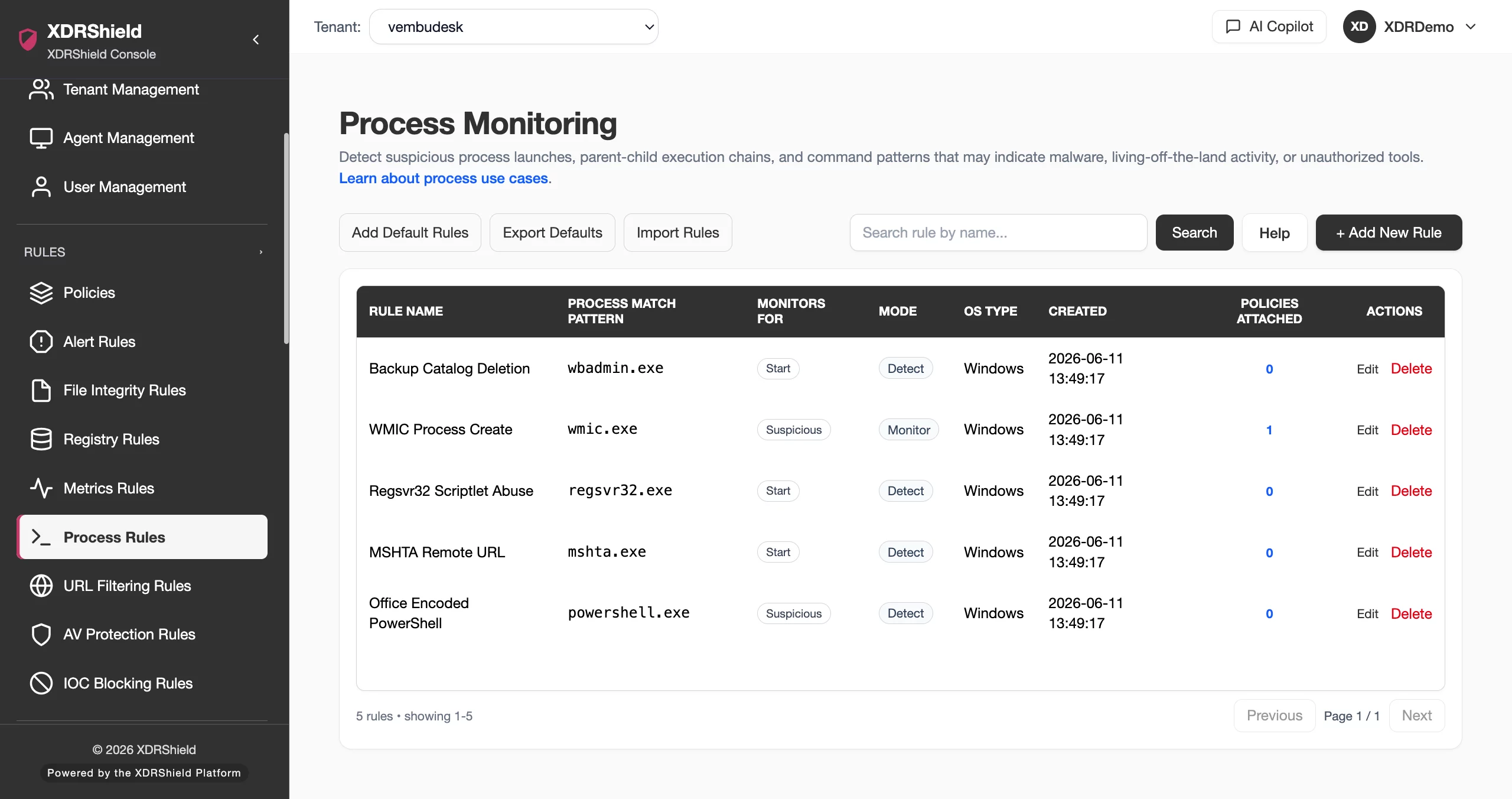
Process behavior is often the fastest path from signal to scope.
Suspicious processes, unusual command lines, unexpected locations, and abnormal parent-child relationships can indicate malware, persistence, remote access abuse, or policy drift. Process Rules make those observations repeatable and reviewable.
Define process monitoring logic and validate the resulting endpoint evidence.
Process Rules define what process behavior should be reported or alerted. Teams can use focused criteria, attach rules to policies, review process events, and correlate activity with files, registry changes, metrics, alerts, and cases.
- Create rules for process names, paths, command lines, users, parent processes, or suspicious execution patterns where supported.
- Attach process rules through policies for compatible endpoint agents.
- Review process events with host, user, timestamp, command-line, and related signal context.
- Tune rule scope to avoid high-volume benign process noise.
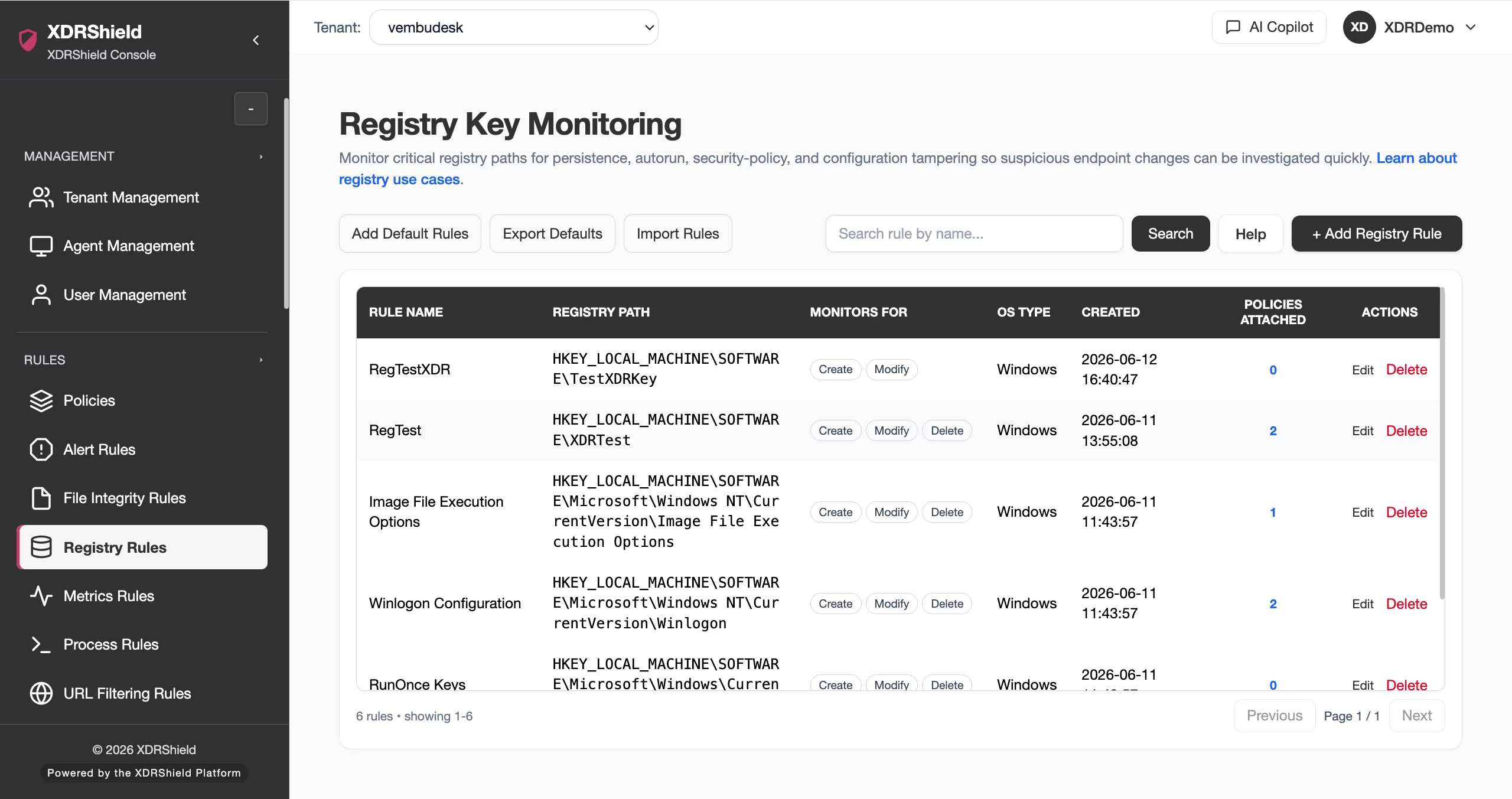
What XDRShield Process Rules helps teams do.
Each capability supports the operating workflow for process rules, from configuration and validation to investigation, governance, and follow-up.
Process matching logic
Define process names, paths, command-line terms, or execution patterns to monitor.
Command-line visibility
Use execution details to understand what ran and why it may matter.
Parent-child context
Correlate process activity with related endpoint events and timeline evidence.
Suspicious execution alerts
Promote high-value process observations into alert triage.
Policy distribution
Attach process rules to endpoint policies for governed rollout.
Timeline support
Use process timestamps in investigation chronology.
Response handoff
Use process evidence to support process kill, isolation, or other governed response where supported.
Tenant-scoped process monitoring
Apply customer-specific process monitoring without mixing tenant evidence.
From process hypothesis to monitored evidence.
A repeatable process rules workflow keeps configuration deliberate, validated, and traceable.
Define behavior
Identify the process activity, command line, or execution pattern that should be monitored.
Create focused rule
Use precise names, paths, or conditions to reduce benign noise.
Assign through policy
Distribute the rule to compatible agents in the intended tenant scope.
Review events
Validate reported process activity, host context, user, timestamp, and command line.
Correlate signals
Compare with file, registry, metrics, alerts, and case timelines.
Tune or respond
Adjust noisy rules or escalate confirmed suspicious behavior to cases or response.
Where Process Rules helps most.
Use process rules where endpoint security outcomes depend on consistent configuration and evidence-backed review.
Suspicious process monitoring
Detect known suspicious tools, unexpected process names, or risky command lines.
Investigation enrichment
Add process evidence to alerts, hunts, and cases.
Execution-based detection
Surface high-risk process events into alert triage.
Response support
Provide evidence for process kill or endpoint containment decisions.
Coverage standardization
Apply consistent process monitoring across endpoint groups.
MSP process governance
Use tenant-specific process rules for customer requirements.
Design process rules for precision and investigation value.
This table helps avoid noisy or low-value process monitoring.
| Area | What it means | How teams use it |
|---|---|---|
| Process name | Executable or process identity. | Use for known tools or business-critical processes. |
| Path or location | Where the process started from. | Use for suspicious directories or unauthorized locations. |
| Command line | Arguments, flags, scripts, or encoded commands. | Use when execution context matters more than process name. |
| Parent or user context | Relationship to parent process or account. | Use to identify abnormal launch paths or account misuse. |
Process Rules for security, IT, and MSP teams.
Process Rules supports day-to-day operations while keeping tenant scope, evidence, and accountable change control clear.
For security and IT teams
Use this feature to keep endpoint protection, detection evidence, and operational decisions aligned with the current environment.
- Validate configuration before broad rollout.
- Review evidence before changing rules or policies.
- Use related alerts, events, cases, and activity logs for context.
For MSP and service-provider teams
Use tenant-scoped operation so customer environments stay separated while common workflows remain repeatable.
- Confirm customer or tenant scope before bulk changes.
- Standardize configuration patterns across customers.
- Preserve customer-specific audit and review evidence.
Process Rules FAQs.
What are Process Rules in XDRShield?
Process Rules define reusable logic for monitoring process execution behavior such as names, paths, command lines, users, parent-child relationships, and suspicious patterns where supported.
How are Process Rules deployed?
Process Rules are attached to policies and distributed to compatible endpoint agents within the selected tenant and scope.
How can teams avoid noisy process rules?
Use precise names, paths, command-line terms, severity, and endpoint scope, then tune based on reported events and alert outcomes.
How do process events support investigations?
Process evidence can be correlated with file changes, registry activity, metrics, alerts, hunts, cases, timelines, and response actions.
Can process rules support response actions?
Process evidence can support governed response decisions such as process kill or endpoint containment where supported and approved.
Monitor process behavior with evidence
Turn suspicious execution patterns into repeatable rules.












